NEW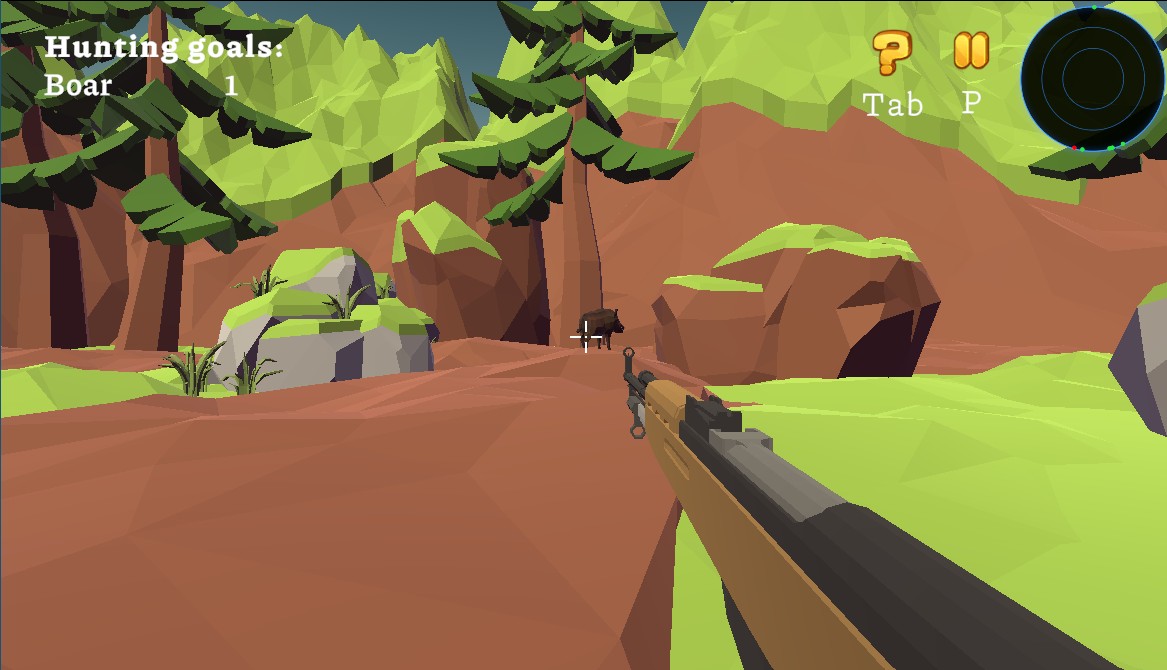
From the game's own description and controls:
Wildlife: Hunting 3D offers an immersive hunting experience with expansive 3D environments teeming with diverse animal life. Developed by TRAgames, this hunting simulator balances accessibility with enough depth to satisfy dedicated hunting game fans.
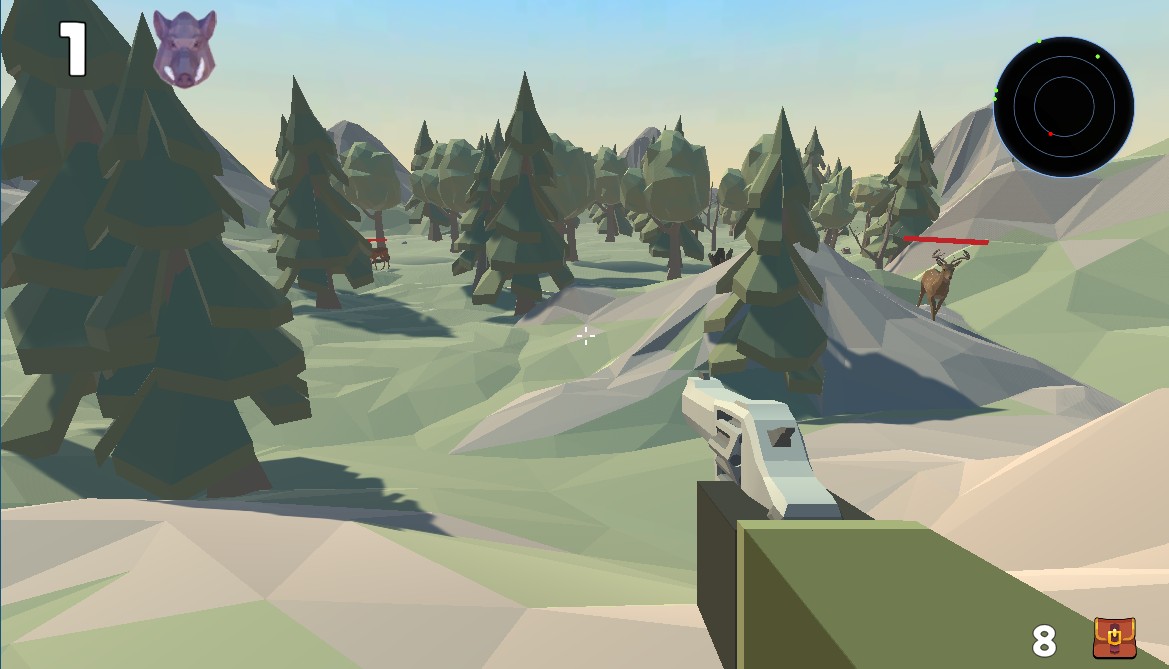
The game presents large open environments that you freely explore while tracking wildlife. Unlike rail shooter hunting games, you control where to go, when to stop, and how to approach your prey. This freedom creates emergent hunting scenarios that feel more authentic than scripted encounters.
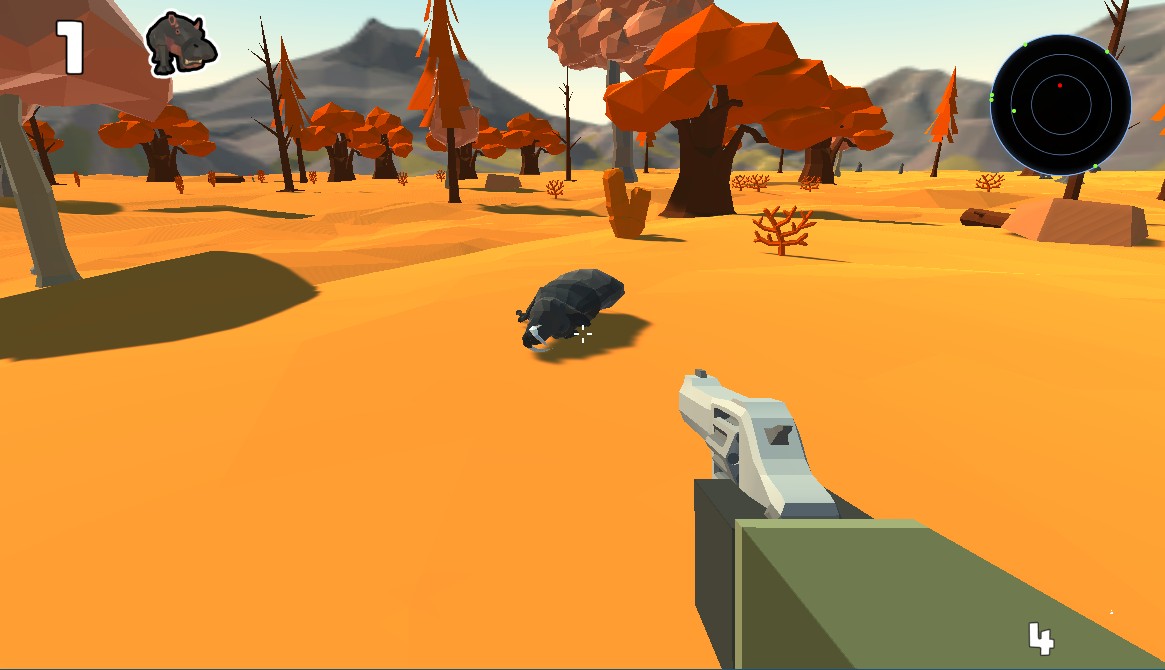
Animal variety keeps hunts interesting across different regions. You'll encounter deer species of varying sizes, predators like wolves and bears, and smaller game. Each animal type has distinct behaviors - some travel in herds, others are solitary; some flee at the slightest noise, others stand their ground aggressively.
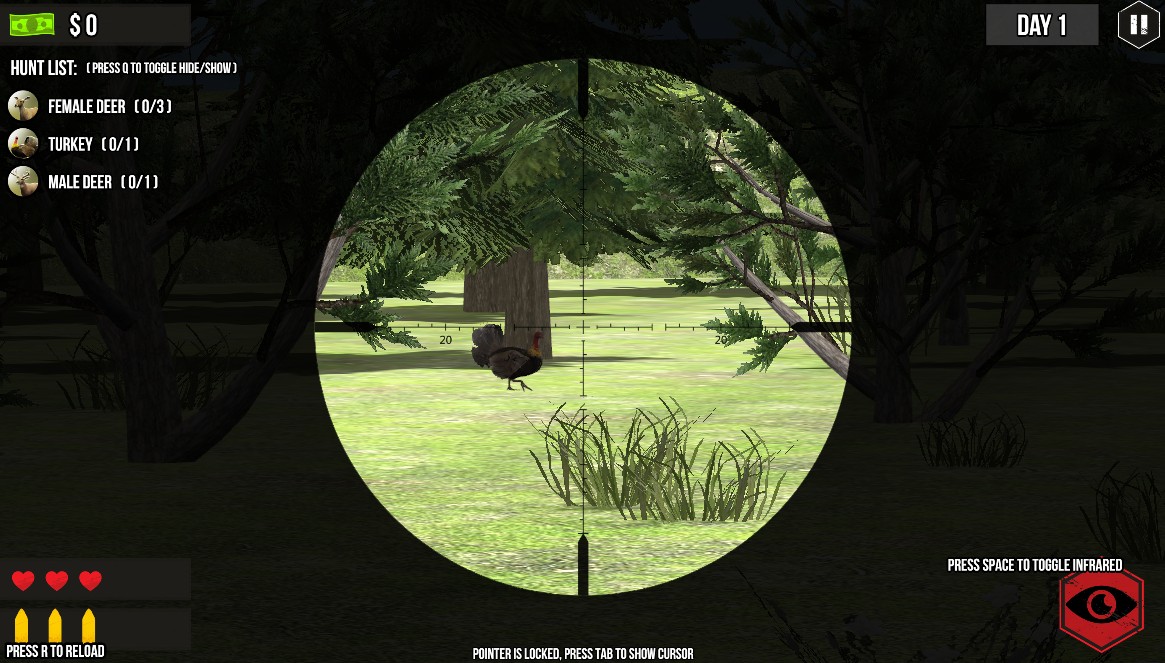
The hunting equipment system offers meaningful choices. Different rifles suit different scenarios - you wouldn't use the same loadout for deer and dangerous game. Scopes, ammunition types, and accessories let you customize your approach, and earning better gear through successful hunts drives progression.
WASD moves through the environment. Mouse controls look direction and aim. Left-click fires, right-click aims down sights. C crouches for stealth, Shift sprints. B opens binoculars for scouting. Tab accesses your inventory and mission objectives.